Remote access · Beta · free
Your computer.
Anywhere.
The private way to access the computer you already own.
- Computers you can reach
- Windows · macOS · Linux
- Screens you can reach them from
- iPhone · Android · Browser
Free during beta. Full keyboard and mouse, end to end encrypted, over a relay that cannot read a single frame.
Built for people whose computers are too useful to leave behind.
Launching 17 November
Your computers. Nobody else’s.
The sign-in opens on 17 November 2026.
Opens 17 November 2026
Founding members get the Family plan free for a year.
Install the agent on the computer you want to reach
Downloads straight away. Other builds, checksums and what each package contains are on the downloads page.
Then reach it from an iPhone, iPad, Watch or Android, or from any browser with nothing installed at all.
Connection
Encrypted end to end
Pairing
A code shown on the machine, once
Video
H.264, hardware
Relay regions
Europe · North America
In use
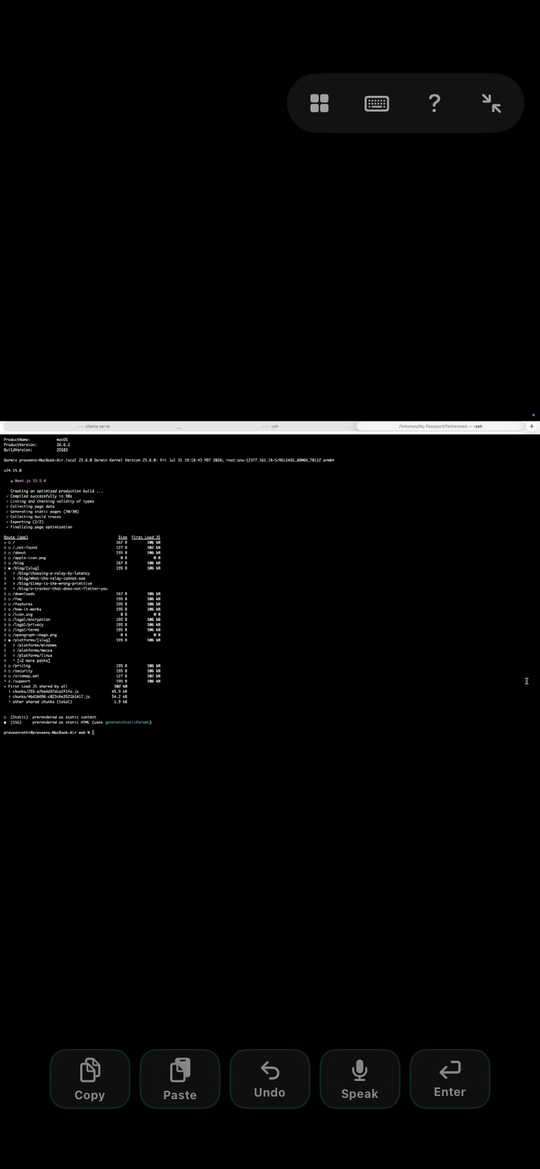
The whole machine, on whatever you are holding.
Not a stripped-down mobile view of your desktop. The same screen, the same applications, the same files still open where you left them, with a keyboard and a pointer that behave the way they do at the desk. Whatever is on the large screen is on the small one.
Local AI
Your GPU is at home.
Your AI is running.
You are somewhere else.
The model is on the box in your study, where you put it so that nothing you ask it leaves the house. Reaching it should not undo that. TETHERÆ gives you the whole desktop, the terminal and the running job, over a relay that cannot read a frame of it, with no per-token bill and nothing to upload.
Who it is for
It was not built for one kind of person.
Everybody who owns a computer they cannot carry has the same problem, and it does not much matter what the computer is for. TETHERÆ takes no view on the work. It gives you the machine.
Developers
The build machine is at the office and you are on a train. Same terminal, same shortcuts, same processes still running where you left them.
People running local AI
A large open-source model lives on the box in your study. Reach the whole desktop from anywhere, with nothing routed through somebody else’s cloud and no per-token bill.
Accountants
Month-end close on the licensed software that only exists on that one desktop, from wherever the month happened to end.
Vibe coders
The editor, the agent and the repo all live on the machine at home. The phone is just the window onto them.
Designers
The full install, the fonts, the linked assets. Nothing re-downloaded, nothing re-licensed, nothing flattened to fit a browser.
Researchers
A long job on the lab workstation. Check it, nudge it, restart it, without going back in to do it.
Sysadmins
The one machine that already has the VPN client, the jump host and the credentials configured.
Everyone else
A computer you already own, and whichever screen you happen to have on you.
What it does
A whole computer, not a picture of one.
Keyboard, mouse, Ctrl+Alt+Del
Keyboard, mouse, scroll, drag, modifier keys and Ctrl+Alt+Del. The machine behaves as if you were sitting at it.
Built around latency
H.264 hardware encoding, and a relay in the region that answers you fastest.
Rest mode
Switch the display and non-essential power draw off from your phone, without dropping the session.
Your week
A record of the time you actually worked away from the desk. Measured, never estimated.
File transfer
Move files between the machine and the device you are holding, over the same encrypted session.
Every display
Switch between monitors on a multi-display machine, one at a time or side by side.
Security
The relay moves bytes it cannot read.
A remote-access product asks for the most access a person can grant. The only honest answer is an architecture where the operator of the service is not in a position to abuse it.
End-to-end encrypted
Sessions are sealed between your device and your machine, under a key the two of them agree directly. The relay forwards ciphertext it has no key for.
Identity is a key you hold
Every device and agent holds a keypair generated on the device itself. Identity is something you possess, not a password a server checks on your behalf.
No ID, no standing password
A device is added with a code shown on the machine, or with a share code its owner creates and hands over. There is no permanent ID number or password for a stranger to learn, so nobody reaches your computer just because they know it exists.
The relay cannot watch
The relay moves bytes between two endpoints that authenticated each other. It cannot decrypt a frame, inject a keystroke, or reconstruct a session.
Pinned certificates
Clients pin the relay they trust on first use and refuse a substitute. A network that can intercept traffic still cannot become the relay.
Revocation that propagates
A revoked device stops working in every region, not just the one it registered in. Revocations reach both regions in about a minute.
Your week
Time you didn’t have to be at the machine.
TETHERÆ records the minutes you genuinely worked while away from the desk, and shows you the week. A minute counts when you typed, tapped, scrolled or clicked in it. Time connected but idle is not counted as work, because it isn’t.
There are no projections, no productivity scores and no guesses about what you did with the time. Nothing leaves your device.
Last 7 days
6h 12m
of work away from the desk
Platforms
Every machine you own.
Pass it on
Someone will ask you how you did that.
When they do, this is the whole answer. No invite code, no account of theirs to find, no link that expires.
- Made by
- Abiomye Industries Private Limited
- Current version
- 0.1 · Beta · free
- Contact
- hello@tetherae.com
Your machines. 100% access.
Free while TETHERÆ is in beta. No card, no time limit, no strangers.